 Legend SparkExperimental — not for production
React Native on desktop.
Spark gives React Native apps real windows, menus, dialogs, and files on the Mac. Start in a prebuilt runner with Fast Refresh, then ship a standalone .app.
import { AppRegistry, Text } from 'react-native'
import { createMenu } from '@legendapp/spark/menus'
import { openWindow } from '@legendapp/spark/windows'

AppRegistry.registerComponent('Inspector', () => () => <Text>Inspector</Text>)

createMenu({
  id: 'editor',
  items: [{
    type: 'submenu', id: 'view', label: 'View',
    items: [{ type: 'action', id: 'inspector',
              label: 'Show Inspector', shortcut: 'CmdOrCtrl+I' }],
  }],
  onAction: ({ itemId }) => {
    if (itemId === 'inspector') {
      // A second native window, rendering a React Native root
      openWindow({
        id: 'inspector',
        component: 'Inspector',
        title: 'Inspector',
        size: { width: 480, height: 640 },
      })
    }
  },
}).catch(console.error)One package, the whole desktop.
Import each capability from @legendapp/spark. Typed and async, with explicit ownership and cleanup.
- Windows
/windows - Named windows, displays, geometry, close guards, and native macOS chrome.
- Menus
/menus - The app menu bar, context menus, tray items, and Dock menus.
- Shortcuts
/shortcuts - Local and global accelerators, with command routing.
- Files and dialogs
/files - Open and save panels, atomic writes, streams, watching, and Trash.
- Settings
/settings - JSON settings, Legend State persistence, and secure storage.
- Updates
/updates - Native whole-app updates for the apps you ship.
One project, three ways to run it.
Move from a shared runner to your own build only when the project needs it. Spark checks native requirements before loading JavaScript.
- 01 / SPARK RUNNER
Start without Xcode
A prebuilt development app. Create a project, run it, and edit App.tsx with Fast Refresh.
$ npm create @legendapp/spark MyApp$ cd MyApp$ npm run macos - 02 / CUSTOM DEVELOPMENT BUILD
Add native when you need it
Extra native modules or helper executables need an app-specific build. JavaScript changes still use Fast Refresh.
$ npx --no-install spark build --dev --platform macos - 03 / STANDALONE APP
Ship a real Mac app
Build a .app with embedded JavaScript, then sign and notarize it with your own Developer ID.
$ npm run build$ npm run package
No browser inside.
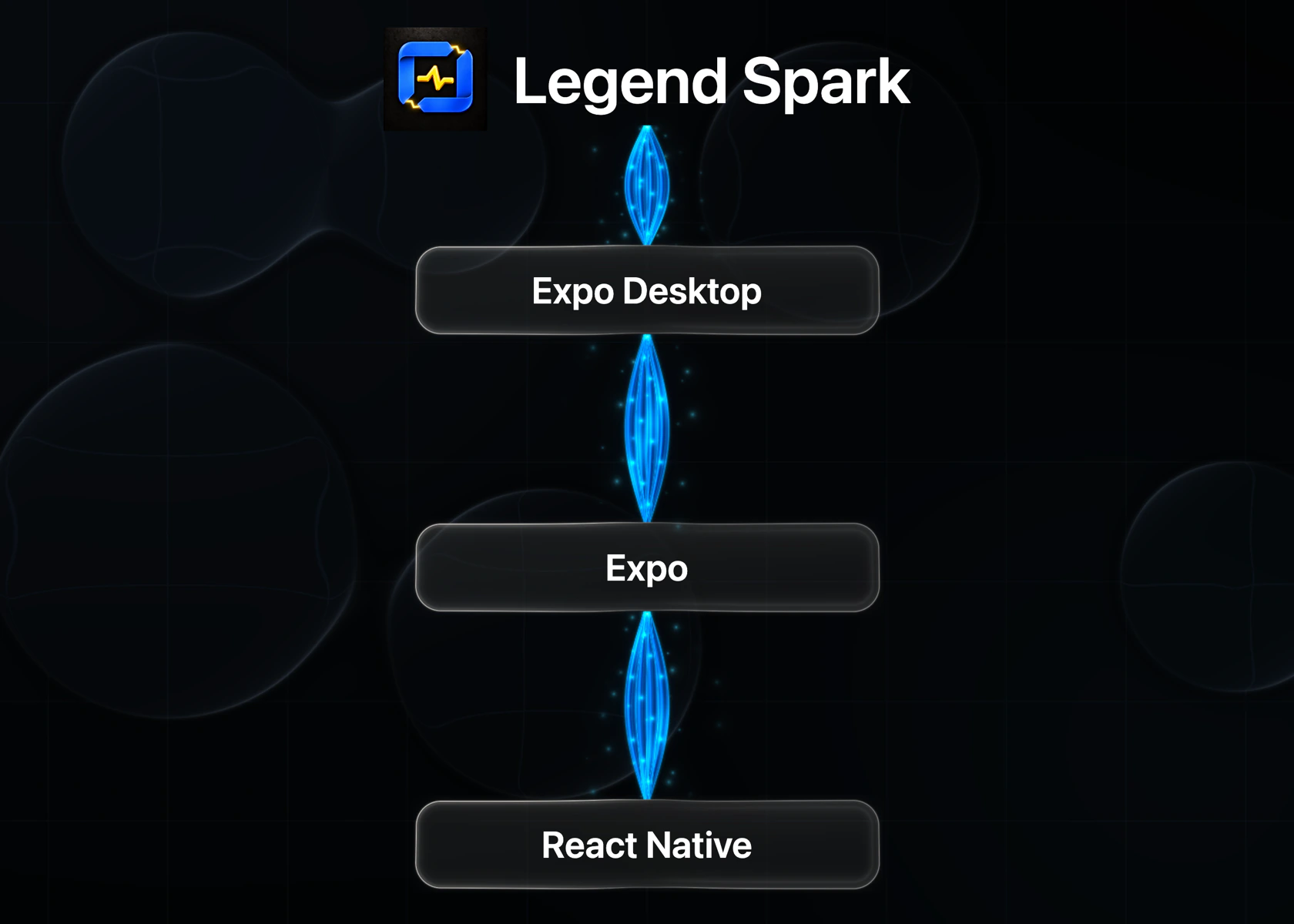
React Native all the way downScreens are React Native views and your JavaScript runs in Hermes. Node runs the tooling and is never bundled into the app.
The Expo workflow you knowExpo Desktop generates the native host and Expo CLI owns Metro, logs, and reload. Spark adds desktop APIs and runtime selection.
Where it stands
macOS 14+ on Apple Silicon is the primary target. Intel Mac builds and Windows development still need native validation.
Spark 0.0.1 downloads a matching macOS Apple Silicon Runner on first launch. Test signed distribution with your own app and credentials.